Redimensionador de Imagens Gratis
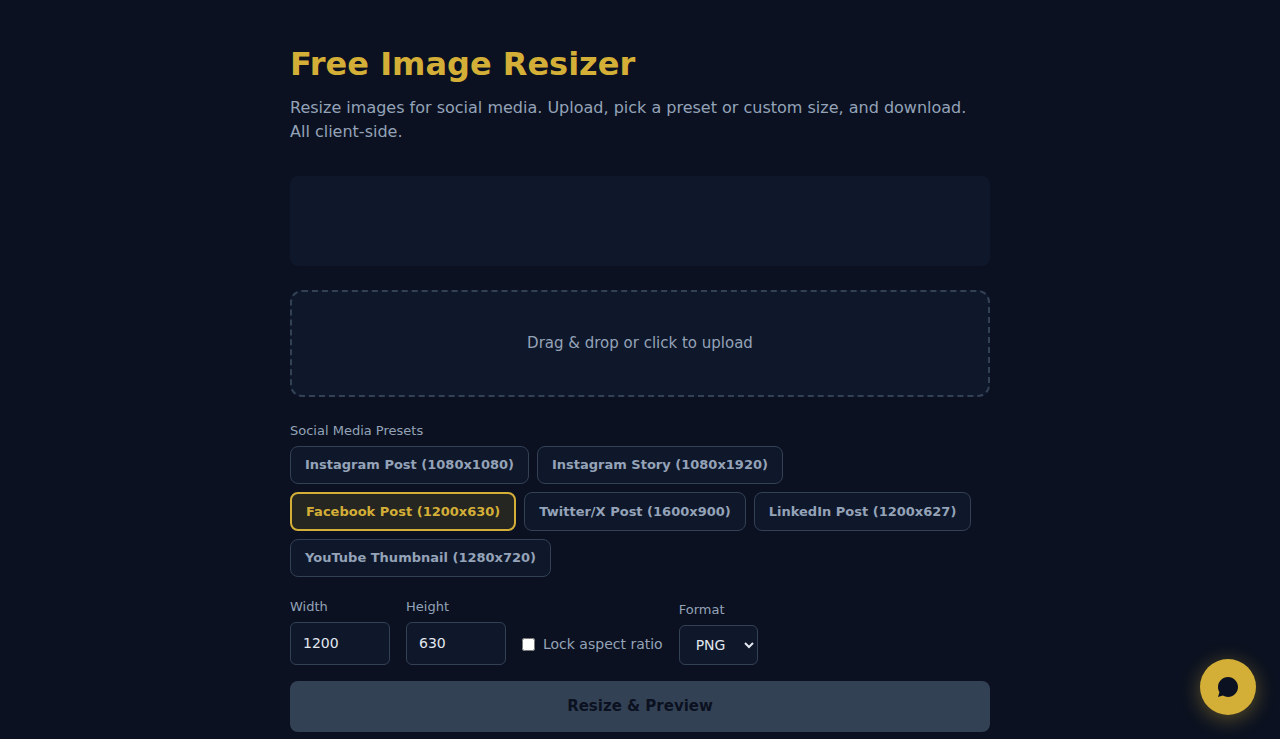
Redimensione imagens para redes sociais. Carregue, escolha um preset ou tamanho personalizado e baixe. Tudo lado cliente.
Arraste ou clique para carregar
Como Funciona
Carregue uma imagem, defina as dimensões de destino ou uma escala percentual e escolha se mantém a proporção. A ferramenta redimensiona com a API Canvas do navegador e permite-lhe transferir o resultado. Não é necessário carregar nada para um servidor.
Quando Usar
- Imagens para redes sociais — redimensione fotografias para as dimensões exatas exigidas pelo Instagram (1080x1080), Facebook (1200x630) ou LinkedIn (1200x627).
- Miniaturas para sites — crie miniaturas de tamanho uniforme a partir de imagens com dimensões originais variadas.
- Preparação para impressão — redimensione as imagens para as dimensões em píxeis exigidas pelos serviços de impressão.
Perguntas Frequentes
Redimensionar reduz a qualidade?
Ampliar reduz sempre a qualidade. Reduzir preserva bem a qualidade. Para melhores resultados, parta da imagem de origem com a resolução mais alta.
Mantém a proporção?
Sim, por predefinição. Pode desativar o bloqueio de proporção para definir largura e altura de forma independente, mas a imagem pode ficar esticada ou achatada.
Que formato de saída é usado?
A imagem redimensionada é transferida em PNG por predefinição, preservando a transparência. Funciona bem para gráficos web e capturas de ecrã.
Todo o processamento ocorre localmente no navegador. Nenhuma imagem e enviada a nenhum servidor.
Estas ferramentas são grátis para sempre. A SARA vai além.
A SARA é a sua agente AI no WhatsApp: responde a clientes, faz reservas e follow-up — 24/7, automaticamente. Experimente grátis por 14 dias.
Comece o teste grátis de 14 dias →