Ridimensionatore Immagini Gratis
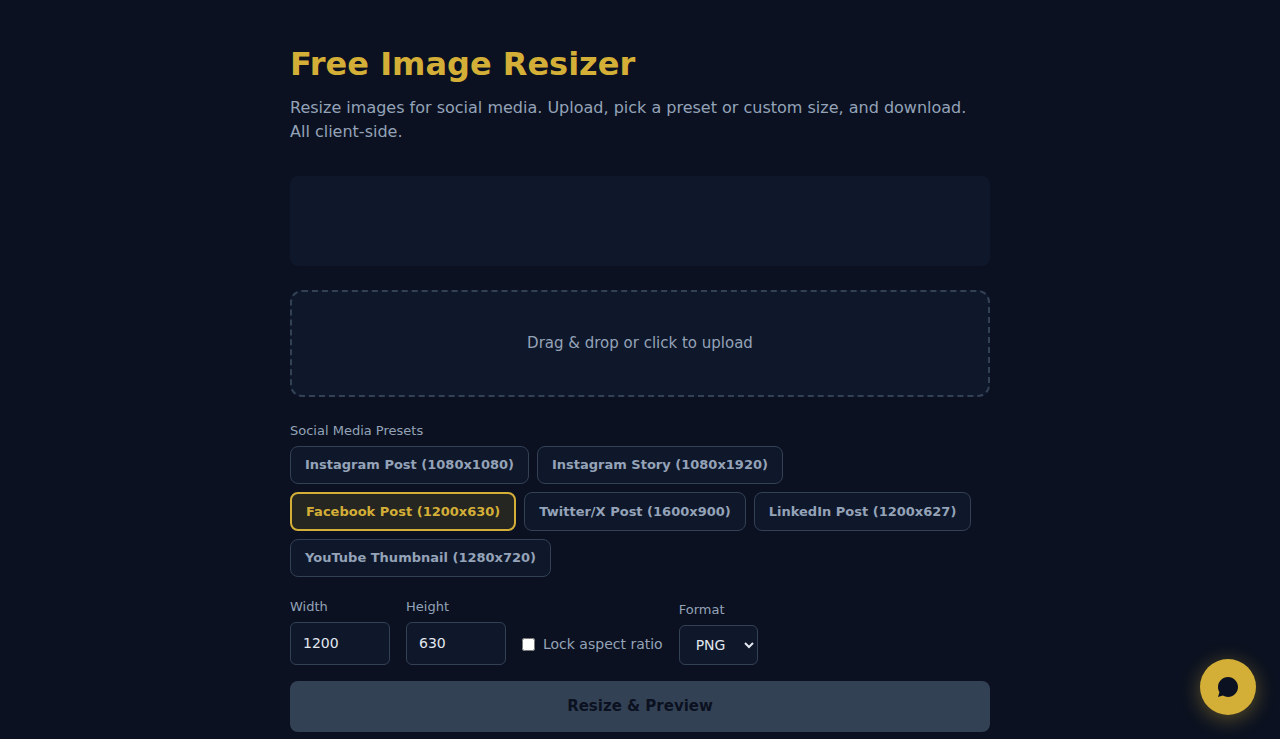
Ridimensiona immagini per social media. Carica, scegli un preset o dimensione personalizzata e scarica. Tutto lato client.
Trascina o clicca per caricare
Come Funziona
Carica un’immagine, imposta le dimensioni di destinazione o una scala percentuale e scegli se mantenere le proporzioni. Lo strumento ridimensiona con l’API Canvas del browser e ti permette di scaricare il risultato. Nessun upload su server.
Quando Usarlo
- Immagini per i social — ridimensiona le foto alle dimensioni esatte richieste da Instagram (1080x1080), Facebook (1200x630) o LinkedIn (1200x627).
- Miniature per il sito — crea miniature di dimensioni uniformi da immagini con dimensioni originali diverse.
- Preparazione alla stampa — ridimensiona le immagini alle dimensioni in pixel richieste dai servizi di stampa.
Domande Frequenti
Ridimensionare riduce la qualità?
Ingrandire riduce sempre la qualità. Rimpicciolire la mantiene bene. Per risultati ottimali, parti dall’immagine sorgente a risoluzione più alta.
Mantiene le proporzioni?
Sì, per impostazione predefinita. Puoi disattivare il blocco delle proporzioni per impostare larghezza e altezza in modo indipendente, ma l’immagine potrebbe risultare allungata o schiacciata.
Quale formato di output viene usato?
L’immagine ridimensionata viene scaricata in PNG per impostazione predefinita, mantenendo la trasparenza. Funziona bene per grafica web e screenshot.
Tutta l'elaborazione avviene localmente nel browser. Nessuna immagine viene caricata su server.
Questi strumenti sono gratis per sempre. SARA fa il passo in più.
SARA è la tua agente AI su WhatsApp: risponde ai clienti, prende prenotazioni, fa follow-up — 24/7, in automatico. Provala gratis per 14 giorni.
Inizia la prova gratuita di 14 giorni →