Kostenloser Bildgroessenanpasser
Bilder fuer Social Media anpassen. Hochladen, Vorlage oder benutzerdefinierte Groesse waehlen und herunterladen. Alles clientseitig.
Ziehen oder klicken zum Hochladen
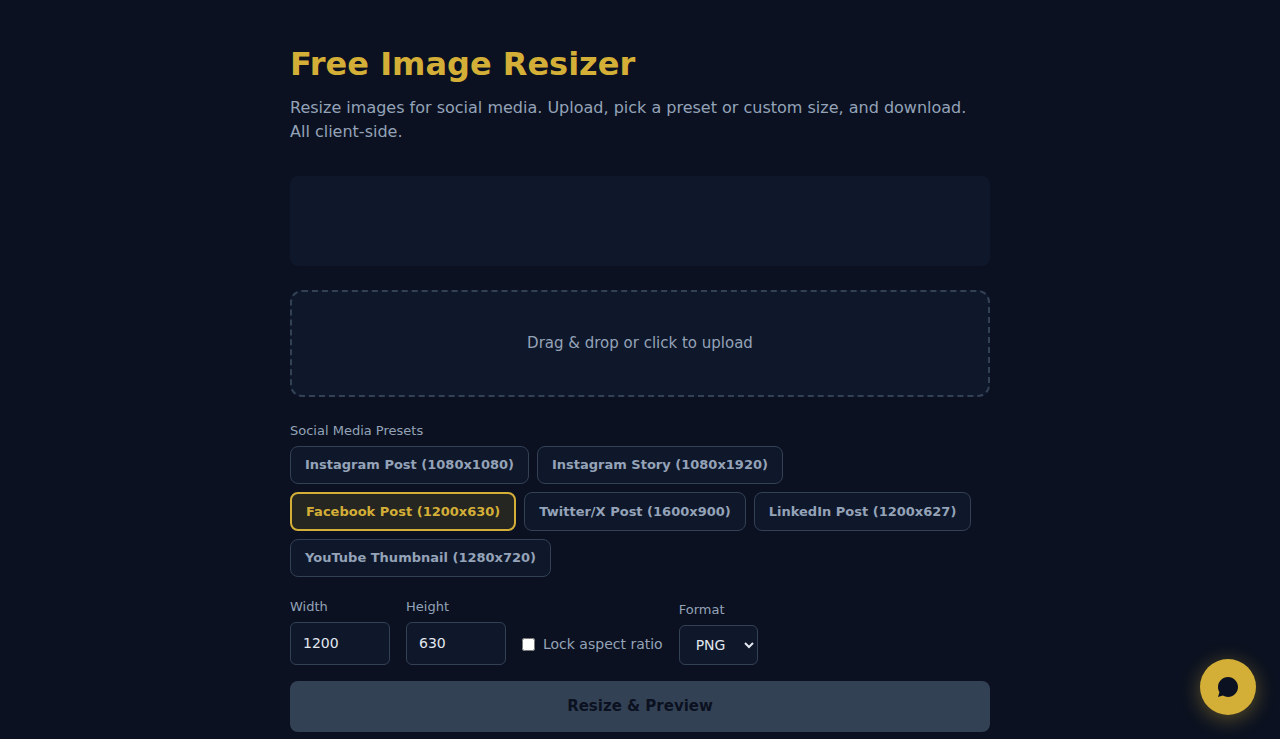
So Funktioniert Es
Laden Sie ein Bild hoch, legen Sie Zielmaße oder einen Prozentmaßstab fest und wählen Sie, ob das Seitenverhältnis erhalten bleibt. Das Tool skaliert mit der Canvas-API des Browsers, und Sie laden das Ergebnis herunter. Kein Server-Upload nötig.
Wann Verwenden
- Social-Media-Bilder – skalieren Sie Fotos auf die exakten Maße von Instagram (1080x1080), Facebook (1200x630) oder LinkedIn (1200x627).
- Website-Vorschaubilder – erstellen Sie einheitlich große Thumbnails aus Bildern mit unterschiedlichen Originalmaßen.
- Druckvorbereitung – skalieren Sie Bilder auf die von Druckdiensten geforderten Pixelmaße.
Haeufig Gestellte Fragen
Verringert das Skalieren die Qualität?
Vergrößern verringert immer die Qualität, Verkleinern erhält sie gut. Für die besten Ergebnisse starten Sie mit dem hochauflösendsten Quellbild.
Bleibt das Seitenverhältnis erhalten?
Ja, standardmäßig. Sie können die Seitenverhältnis-Sperre aufheben, um Breite und Höhe unabhängig festzulegen – das Bild kann dann aber gestreckt oder gestaucht werden.
Welches Ausgabeformat wird verwendet?
Das skalierte Bild wird standardmäßig als PNG heruntergeladen und behält die Transparenz. Das eignet sich gut für Webgrafiken und Screenshots.
Die gesamte Verarbeitung erfolgt lokal im Browser. Keine Bilder werden auf Server hochgeladen.
Diese Tools sind für immer kostenlos. SARA geht weiter.
SARA ist Ihr KI-Agent auf WhatsApp: beantwortet Kunden, nimmt Buchungen an, macht Follow-ups — rund um die Uhr, automatisch. 14 Tage kostenlos testen.
Kostenlose 14-Tage-Testphase starten →