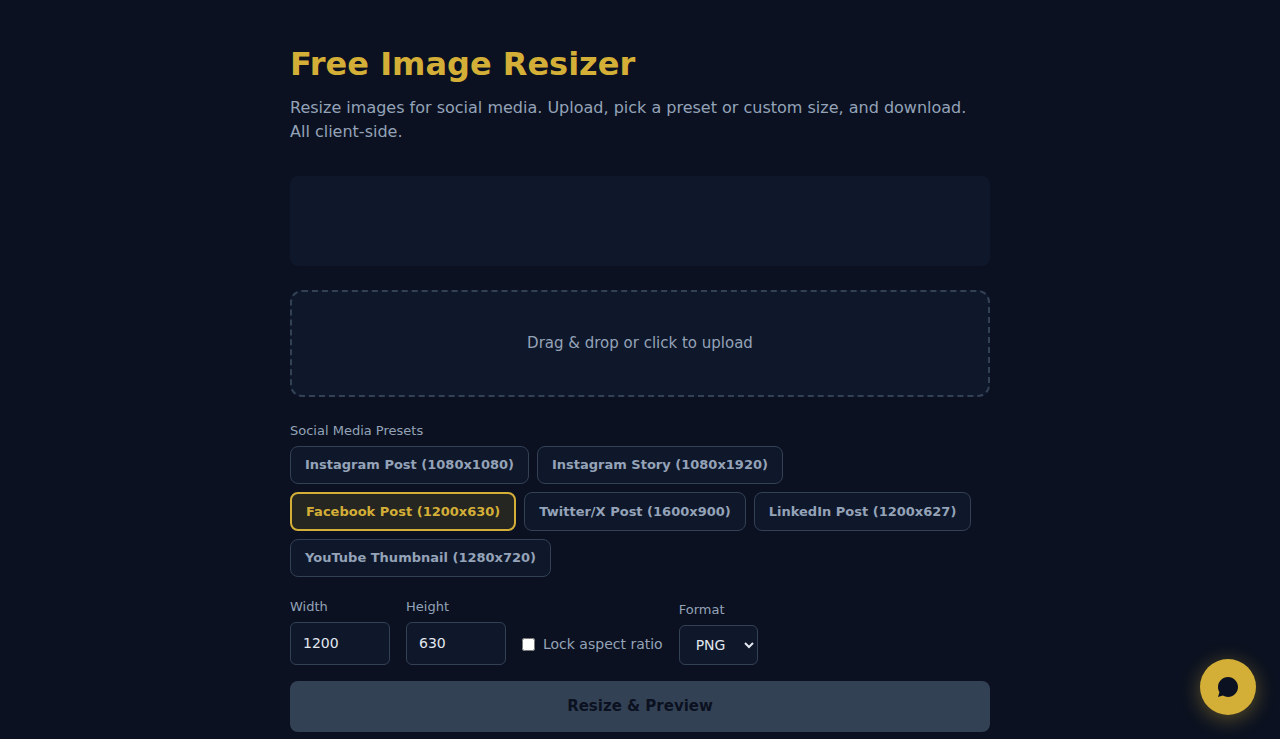
Redimensionador de Imagenes Gratis
Redimensiona imagenes para redes sociales. Sube, elige un preset o tamano personalizado y descarga. Todo lado cliente.
Arrastra o haz clic para subir
Como Funciona
Sube una imagen, define las dimensiones de destino o una escala porcentual y elige si mantener la proporción. La herramienta redimensiona con la API Canvas del navegador y te permite descargar el resultado. No se sube nada a ningún servidor.
Cuando Usarlo
- Imágenes para redes sociales: redimensiona fotos a las dimensiones exactas que exigen Instagram (1080x1080), Facebook (1200x630) o LinkedIn (1200x627).
- Miniaturas web: crea miniaturas de tamaño uniforme a partir de imágenes con dimensiones originales distintas.
- Preparación para impresión: redimensiona las imágenes a las dimensiones en píxeles que piden los servicios de impresión.
Preguntas Frecuentes
¿Redimensionar reduce la calidad?
Ampliar siempre reduce la calidad. Reducir la conserva bien. Para obtener los mejores resultados, parte de la imagen original de mayor resolución.
¿Mantiene la proporción?
Sí, por defecto. Puedes desactivar el bloqueo de proporción para fijar ancho y alto de forma independiente, pero la imagen puede estirarse o aplastarse.
¿Qué formato de salida se usa?
La imagen redimensionada se descarga como PNG por defecto, conservando la transparencia. Funciona bien para gráficos web y capturas de pantalla.
Todo el procesamiento se realiza localmente en tu navegador. Ninguna imagen se sube a ningun servidor.
Estas herramientas son gratis para siempre. SARA va más allá.
SARA es tu agente AI en WhatsApp: responde a clientes, gestiona reservas y hace seguimiento — 24/7, automáticamente. Pruébala gratis 14 días.
Empieza tu prueba gratis de 14 días →