Kostenloser Margenrechner
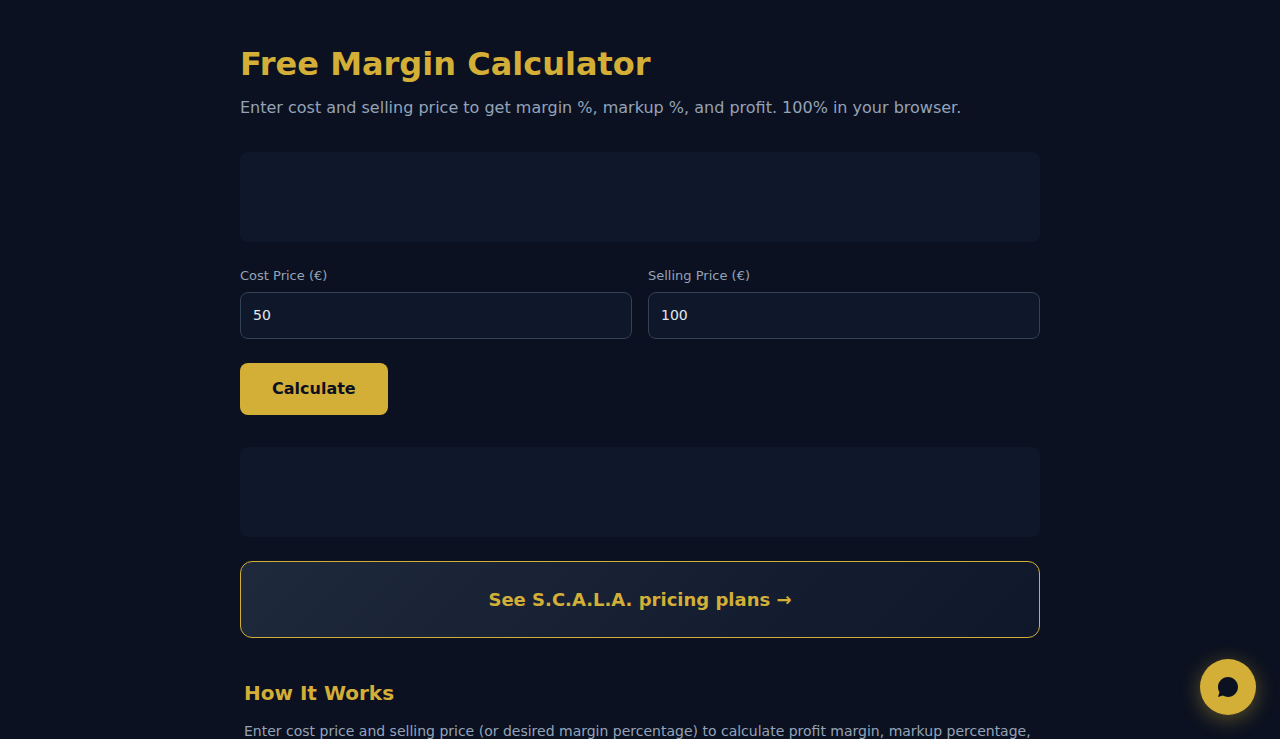
Geben Sie die Kosten und den Verkaufspreis ein, um die Marge %, den Aufschlag % und den Gewinn zu erhalten. 100% in Ihrem Browser.
So Funktioniert Es
Geben Sie Einstandspreis und Verkaufspreis (oder die gewünschte Margenprozentzahl) ein, um Gewinnmarge, Aufschlagsprozentsatz und Rohgewinn zu berechnen. Wechseln Sie zwischen Margen- und Aufschlagsmodus, um den Zusammenhang zu sehen.
Wann Verwenden
- Produktpreise – berechnen Sie den Verkaufspreis, der für eine Zielmarge je Produkt nötig ist.
- Großhandelsverhandlungen – ermitteln Sie Ihre Marge bei verschiedenen Großhandelspreisen, um Mindestbestellmengen festzulegen.
- Servicepreise – legen Sie Stunden- oder Projektsätze fest, die Ihre Kosten decken und Ihre Zielmarge erreichen.
Haeufig Gestellte Fragen
Was ist der Unterschied zwischen Marge und Aufschlag?
Die Marge ist der Gewinn geteilt durch den Verkaufspreis (z. B. 20 $ Gewinn bei 100 $ Verkauf = 20 % Marge). Der Aufschlag ist der Gewinn geteilt durch die Kosten (z. B. 20 $ Gewinn bei 80 $ Kosten = 25 % Aufschlag).
Was ist eine gesunde Gewinnmarge?
Das hängt von der Branche ab. Einzelhandel: 2–5 %. Software/SaaS: 70–90 %. Beratung: 15–25 %. Gastronomie: 3–9 %. Vergleichen Sie mit Branchen-Benchmarks.
Sind Gemeinkosten enthalten?
Tragen Sie Ihre Vollkosten (inklusive Gemeinkostenumlage) in das Kostenfeld ein, um die Nettomarge genau zu berechnen. Andernfalls berechnen Sie nur die Bruttomarge.
Alle Berechnungen erfolgen in Ihrem Browser. Keine Daten werden an Server gesendet.
Diese Tools sind für immer kostenlos. SARA geht weiter.
SARA ist Ihr KI-Agent auf WhatsApp: beantwortet Kunden, nimmt Buchungen an, macht Follow-ups — rund um die Uhr, automatisch. 14 Tage kostenlos testen.
Kostenlose 14-Tage-Testphase starten →