Calculadora Margen Gratis
Ingresa costo y precio de venta para obtener margen %, markup % y ganancia. 100% en tu navegador.
Como Funciona
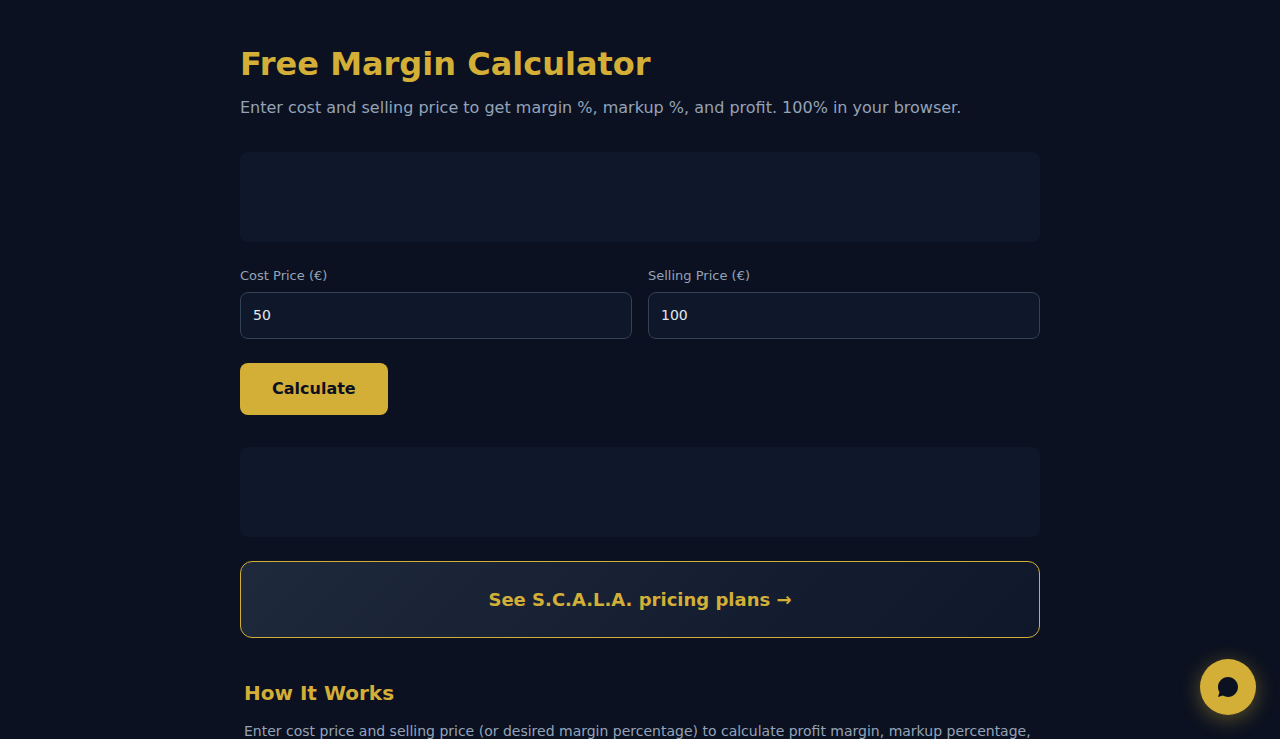
Introduce el precio de coste y el precio de venta (o el porcentaje de margen deseado) para calcular el margen de beneficio, el porcentaje de recargo y el beneficio bruto. Alterna entre los modos margen y recargo para ver cómo se relacionan.
Cuando Usarlo
- Precios de producto: calcula el precio de venta necesario para lograr un margen objetivo en cada producto.
- Negociaciones mayoristas: determina tu margen a distintos precios mayoristas para fijar cantidades mínimas de pedido.
- Precios de servicios: fija tarifas por hora o por proyecto que cubran los costes y logren tu margen objetivo.
Preguntas Frecuentes
¿Cuál es la diferencia entre margen y recargo?
El margen es el beneficio dividido entre el precio de venta (p. ej., 20 $ de beneficio en una venta de 100 $ = 20 % de margen). El recargo es el beneficio dividido entre el coste (p. ej., 20 $ de beneficio sobre un coste de 80 $ = 25 % de recargo).
¿Qué es un margen de beneficio saludable?
Varía según el sector. Retail: 2-5 %. Software/SaaS: 70-90 %. Consultoría: 15-25 %. Restauración: 3-9 %. Compara con los referentes de tu sector.
¿Incluye los costes generales?
Introduce tu coste completo (incluida la asignación de costes generales) en el campo de coste para calcular con precisión el margen neto. De lo contrario, solo estarás calculando el margen bruto.
Todos los calculos ocurren en tu navegador. Ningun dato se envia a servidores.
Estas herramientas son gratis para siempre. SARA va más allá.
SARA es tu agente AI en WhatsApp: responde a clientes, gestiona reservas y hace seguimiento — 24/7, automáticamente. Pruébala gratis 14 días.
Empieza tu prueba gratis de 14 días →