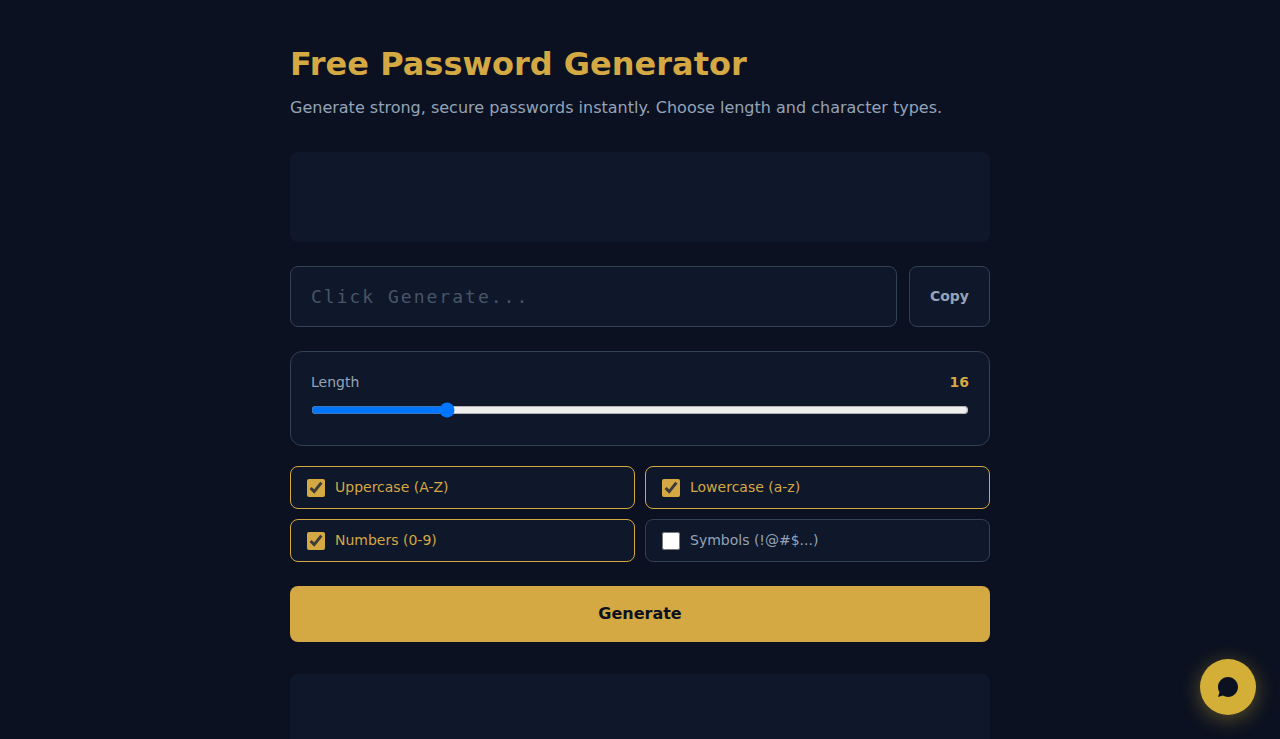
Free Password Generator
Generate strong, secure passwords instantly. Choose length and character types.
Click Generate...
Passwords are generated locally in your browser. Nothing is stored or transmitted.
SCALA Score — Free company financial health check for 30M+ businesses
How It Works
Set your desired password length and toggle options for uppercase letters, lowercase letters, numbers, and special characters. Click Generate to create a cryptographically secure random password using the Web Crypto API built into your browser. Copy it with one click. All generation happens locally — no password ever touches a server.
When to Use It
- Creating strong unique passwords for new accounts instead of reusing existing ones across services.
- Generating API keys, tokens, or temporary passwords for development and testing environments.
- Resetting compromised passwords with maximum-entropy alternatives that resist brute-force and dictionary attacks.
Frequently Asked Questions
How secure are the generated passwords?
Passwords are generated using the Web Crypto API (crypto.getRandomValues), which is a cryptographically secure random number generator built into modern browsers. A 16-character password with all character types has over 90 bits of entropy — effectively uncrackable with current technology.
Is the password stored anywhere?
No. The password exists only in your browser memory until you navigate away or close the tab. It is never sent to any server, logged, or stored in cookies or local storage. For maximum security, copy it to your password manager immediately.
What length should I use?
Security experts recommend at least 12 characters, with 16+ being ideal. Longer passwords exponentially increase the time needed for brute-force attacks. Enable all character types (upper, lower, numbers, symbols) for maximum strength.
These tools are free forever. SARA takes it further.
SARA is your AI agent on WhatsApp: answers customers, takes bookings, follows up — 24/7, automatically. Try it free for 14 days.
Start your free 14-day trial →