Free Open Graph Preview
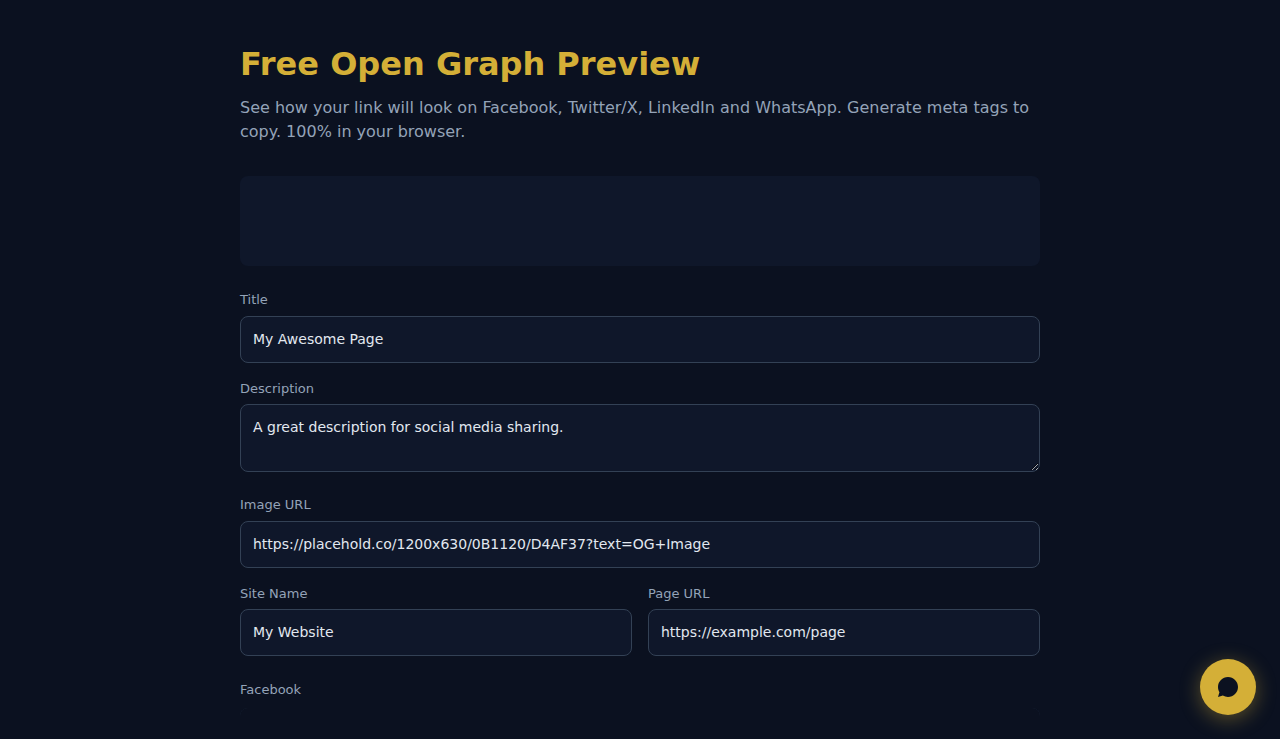
See how your link will look on Facebook, Twitter/X, LinkedIn and WhatsApp. Generate meta tags to copy. 100% in your browser.
Facebook
Twitter / X
LinkedIn
WhatsApp
Meta Tags
<meta property="og:title" content="My Awesome Page" />
<meta property="og:description" content="A great description for social media sharing." />
<meta property="og:image" content="https://placehold.co/1200x630/0B1120/D4AF37?text=OG+Image" />
<meta property="og:url" content="https://example.com/page" />
<meta property="og:site_name" content="My Website" />
<meta property="og:type" content="website" />
<meta name="twitter:card" content="summary_large_image" />
<meta name="twitter:title" content="My Awesome Page" />
<meta name="twitter:description" content="A great description for social media sharing." />
<meta name="twitter:image" content="https://placehold.co/1200x630/0B1120/D4AF37?text=OG+Image" />
How It Works
Enter your page URL, title, description, and image URL to see a real-time preview of how your Open Graph meta tags will appear when shared on Facebook, Twitter, LinkedIn, and messaging apps. Adjust text and image until the card looks perfect, then copy the generated meta tags directly into your HTML head section.
When to Use It
- Launching a new landing page and wanting to ensure the social media preview card looks compelling before sharing.
- Debugging why a shared link shows a broken image, truncated title, or wrong description on social platforms.
- Creating multiple OG variations for A/B testing which social preview generates more clicks and engagement.
Frequently Asked Questions
What is the ideal OG image size?
Facebook recommends 1200x630 pixels. Twitter uses 1200x600. Using 1200x630 works well across all platforms. Keep the file under 5MB and use JPEG or PNG format for best compatibility.
Why does my preview look different on Facebook vs LinkedIn?
Each platform has slightly different card dimensions and text truncation rules. Facebook shows up to 65 characters for titles, LinkedIn shows more. This tool shows the most common rendering so you can optimize for the majority of platforms.
How do I force platforms to refresh the cached preview?
Use Facebook Sharing Debugger (developers.facebook.com/tools/debug) and LinkedIn Post Inspector (linkedin.com/post-inspector). Twitter cards refresh automatically within a few minutes. Some CDNs cache OG images aggressively — purge your CDN cache after updating.
All calculations happen in your browser. No data is sent to any server.
These tools are free forever. SARA takes it further.
SARA is your AI agent on WhatsApp: answers customers, takes bookings, follows up — 24/7, automatically. Try it free for 14 days.
Start your free 14-day trial →