Free Markdown to HTML Converter
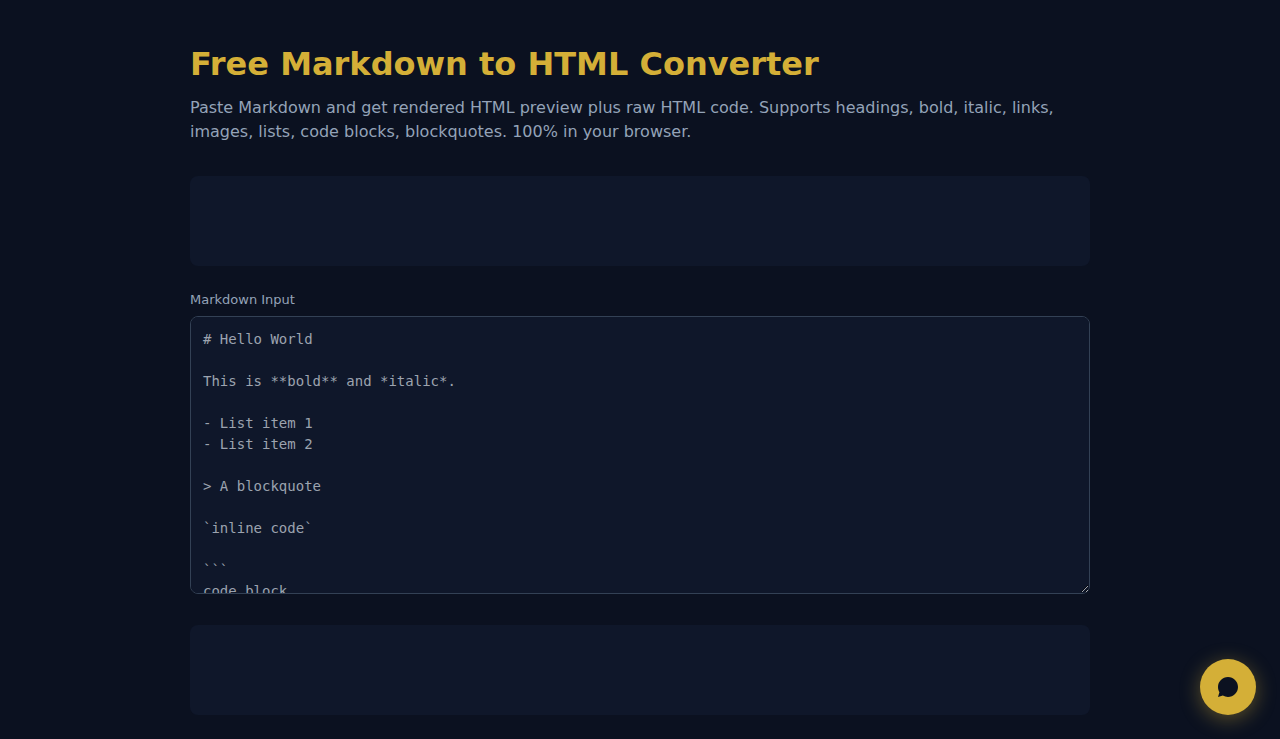
Paste Markdown and get rendered HTML preview plus raw HTML code. Supports headings, bold, italic, links, images, lists, code blocks, blockquotes. 100% in your browser.
How It Works
Paste your Markdown into the editor and instantly see a live HTML preview alongside the raw HTML code. The converter handles headings (h1-h6), bold, italic, links, images, ordered and unordered lists, code blocks, inline code, and blockquotes. No server round-trip needed — everything runs in JavaScript right in your browser, so your content stays completely private.
When to Use It
- Writing README files or documentation and needing to preview the HTML output before publishing.
- Converting blog posts written in Markdown to HTML for CMS platforms that require raw HTML input.
- Quickly extracting clean HTML from Markdown notes to embed in emails, newsletters, or web pages.
Frequently Asked Questions
Does the converter support GitHub Flavored Markdown?
It supports the most common GFM features including fenced code blocks, bold, italic, links, images, and lists. Advanced features like tables or task lists are not yet included in this lightweight version.
Is my content sent to a server?
No. The entire conversion runs client-side in your browser using JavaScript. Nothing leaves your device — ideal for sensitive documentation or proprietary content.
Can I copy the generated HTML into WordPress or other CMS?
Yes. Click "Copy HTML" to copy the raw HTML code to your clipboard. Paste it directly into any HTML editor, CMS text block, or email template builder.
All conversion happens locally in your browser. No data is sent to any server.
These tools are free forever. SARA takes it further.
SARA is your AI agent on WhatsApp: answers customers, takes bookings, follows up — 24/7, automatically. Try it free for 14 days.
Start your free 14-day trial →