Free JWT Decoder
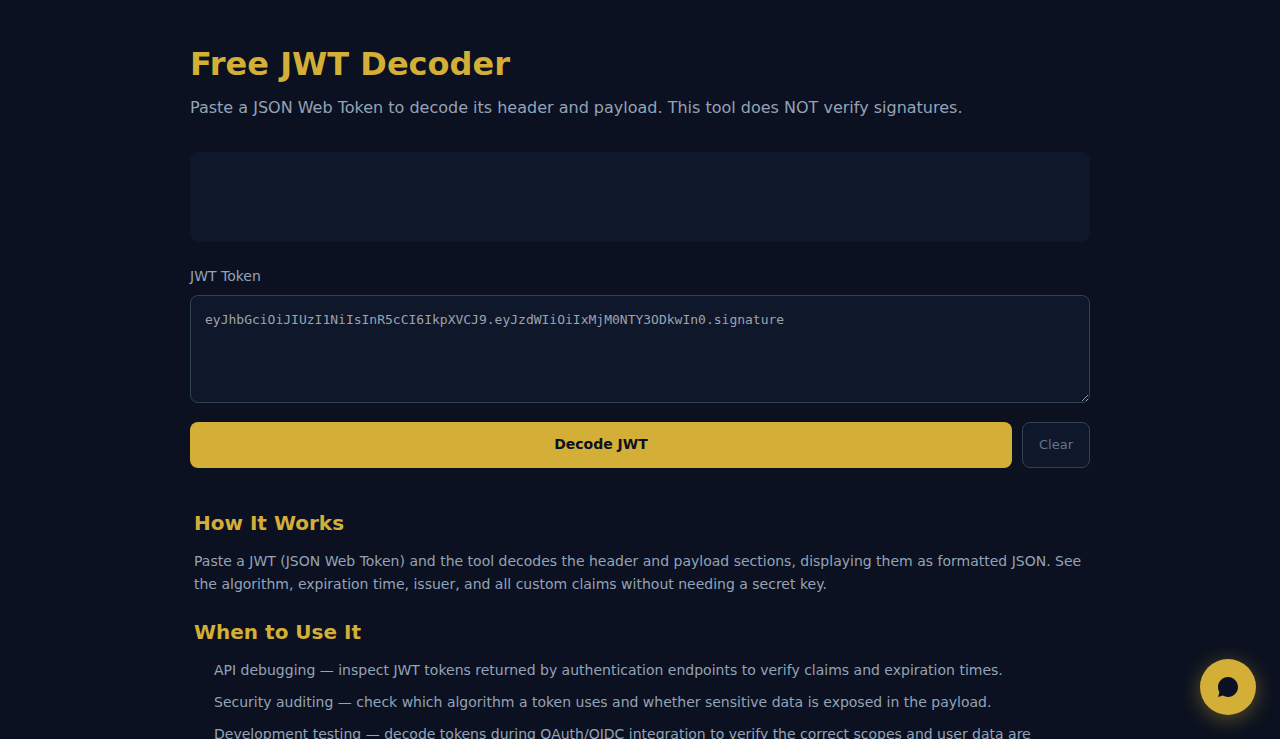
Paste a JSON Web Token to decode its header and payload. This tool does NOT verify signatures.
How It Works
Paste a JWT (JSON Web Token) and the tool decodes the header and payload sections, displaying them as formatted JSON. See the algorithm, expiration time, issuer, and all custom claims without needing a secret key.
When to Use It
- API debugging — inspect JWT tokens returned by authentication endpoints to verify claims and expiration times.
- Security auditing — check which algorithm a token uses and whether sensitive data is exposed in the payload.
- Development testing — decode tokens during OAuth/OIDC integration to verify the correct scopes and user data are included.
Frequently Asked Questions
Can it verify the signature?
No. Signature verification requires the secret key or public key, which should never be entered in a browser tool. This tool only decodes the header and payload.
Is it safe to paste tokens here?
Yes. All processing happens in your browser. No tokens are sent to any server. However, avoid pasting production tokens on shared or public computers.
What parts of a JWT are decoded?
A JWT has three parts: header (algorithm and type), payload (claims like sub, exp, iat), and signature. This tool decodes the first two. The signature is shown as-is.
Automate your business with SARA AI Agent
Try SOLO SARA — AI agent for freelancers at just 9.90/monthAll decoding happens in your browser. No data leaves your device.
These tools are free forever. SARA takes it further.
SARA is your AI agent on WhatsApp: answers customers, takes bookings, follows up — 24/7, automatically. Try it free for 14 days.
Start your free 14-day trial →