Free JSON Formatter & Validator
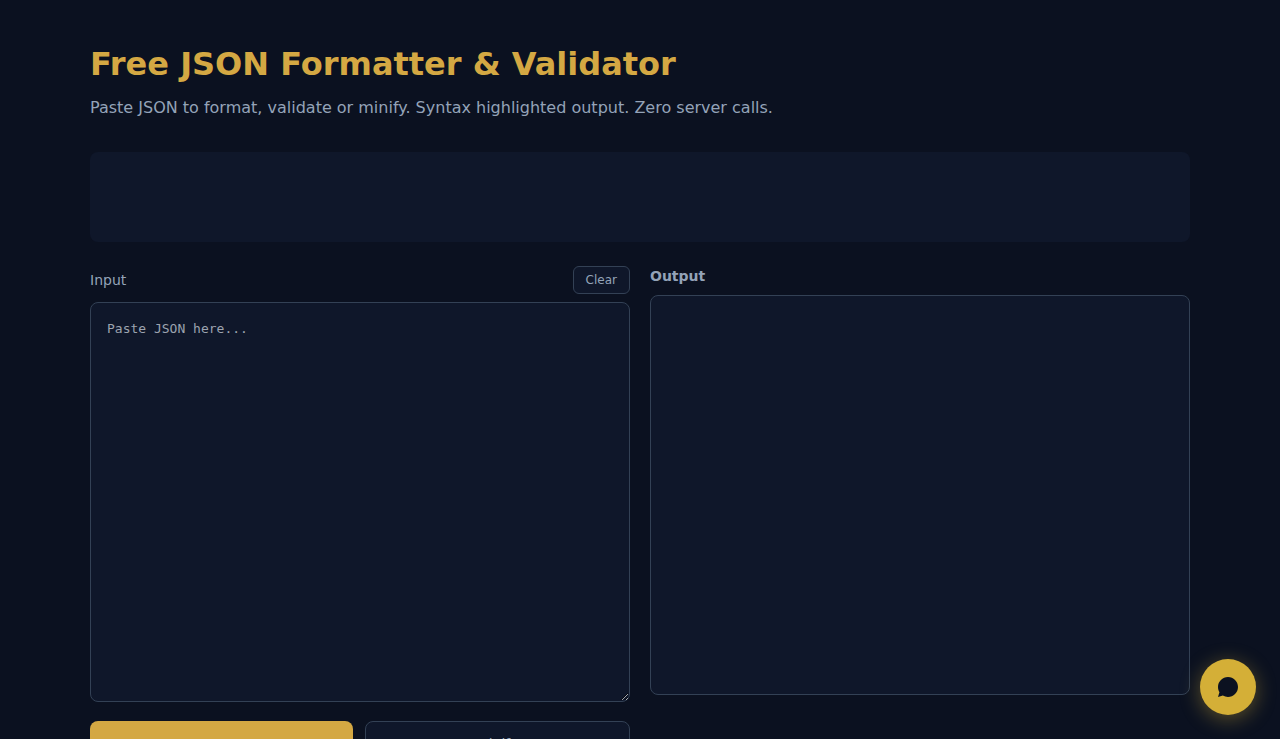
Paste JSON to format, validate or minify. Syntax highlighted output. Zero server calls.
Input
Output
How It Works
Paste JSON data to validate, format, and minify it. The tool checks syntax, highlights errors with line numbers, and displays formatted output with color-coded syntax highlighting. Switch between formatted and minified views.
When to Use It
- API debugging — validate and format JSON responses to inspect data structure and find issues.
- Configuration editing — prettify minified JSON config files to make them human-readable for editing.
- Data inspection — paste large JSON payloads to navigate nested structures with proper indentation.
Frequently Asked Questions
What happens if the JSON is invalid?
The tool highlights the error location with a descriptive message, helping you quickly find and fix syntax issues like missing commas, unclosed brackets, or trailing commas.
Can it handle large files?
Browser-based processing handles JSON up to several megabytes smoothly. For files over 10MB, use a desktop tool like jq for better performance.
Does it modify my data?
No. Formatting only changes whitespace and indentation. Your data values, keys, and structure remain exactly the same. Minification removes whitespace without altering content.
No data is sent to any server. All processing happens in your browser.
SCALA Score — Free company financial health check for 30M+ businesses
These tools are free forever. SARA takes it further.
SARA is your AI agent on WhatsApp: answers customers, takes bookings, follows up — 24/7, automatically. Try it free for 14 days.
Start your free 14-day trial →