Free Text Diff Checker
Paste two texts to see line-by-line differences highlighted in red and green.
How It Works
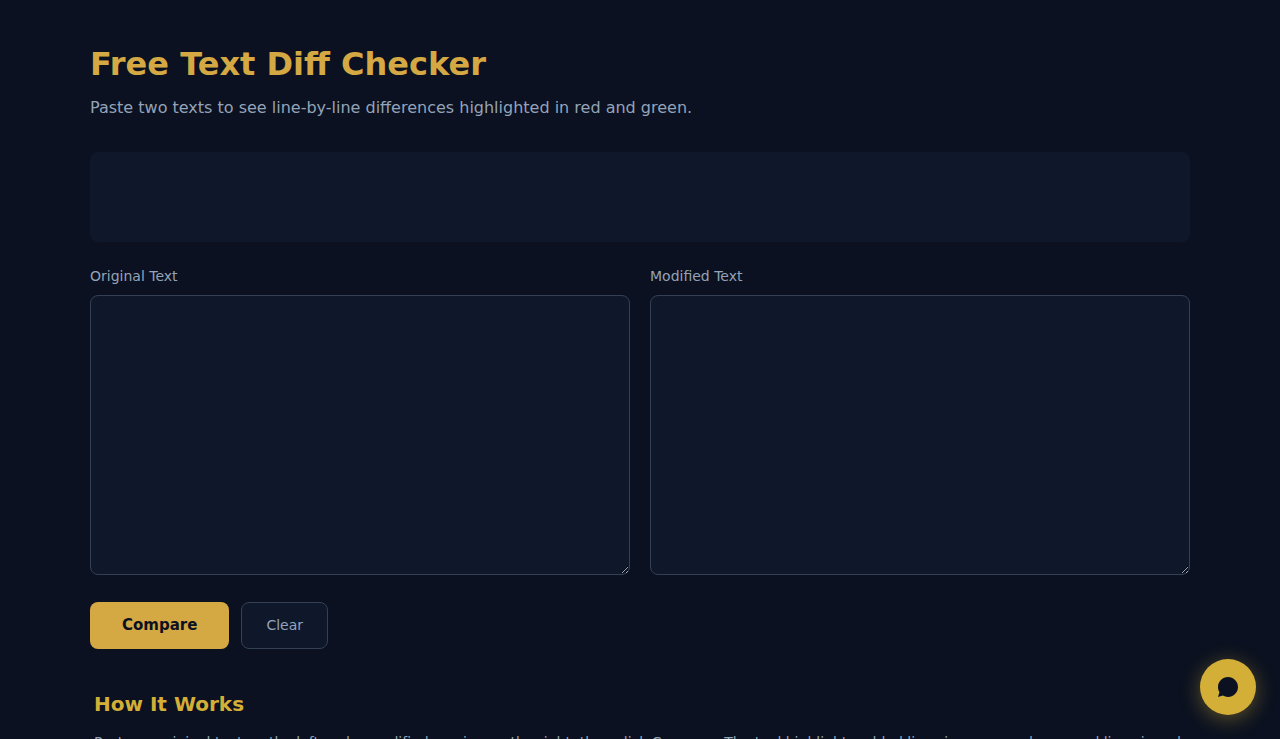
Paste an original text on the left and a modified version on the right, then click Compare. The tool highlights added lines in green and removed lines in red with line numbers for quick navigation. A lookahead algorithm minimizes false positives.
When to Use It
- Code review — compare two file versions to spot changes before merging or deploying.
- Contract editing — verify which clauses were added, removed, or modified between draft versions.
- Content QA — check translated text against the original to ensure nothing was omitted.
Frequently Asked Questions
How does the diff algorithm work?
It compares lines sequentially with a 5-line lookahead to find the next matching line, lighter than full LCS but effective for most editing scenarios.
Can I compare binary files or images?
No. This tool is for plain text only. Binary content produces garbled output. For images use a dedicated visual diff tool.
Is there a size limit?
Performance depends on your device. Documents up to 10,000 lines work smoothly on modern hardware. For larger files use a desktop diff tool.
All comparison happens in your browser. No text is sent to any server.
SCALA Score — Free company financial health check for 30M+ businesses
These tools are free forever. SARA takes it further.
SARA is your AI agent on WhatsApp: answers customers, takes bookings, follows up — 24/7, automatically. Try it free for 14 days.
Start your free 14-day trial →