Free CSV to JSON Converter
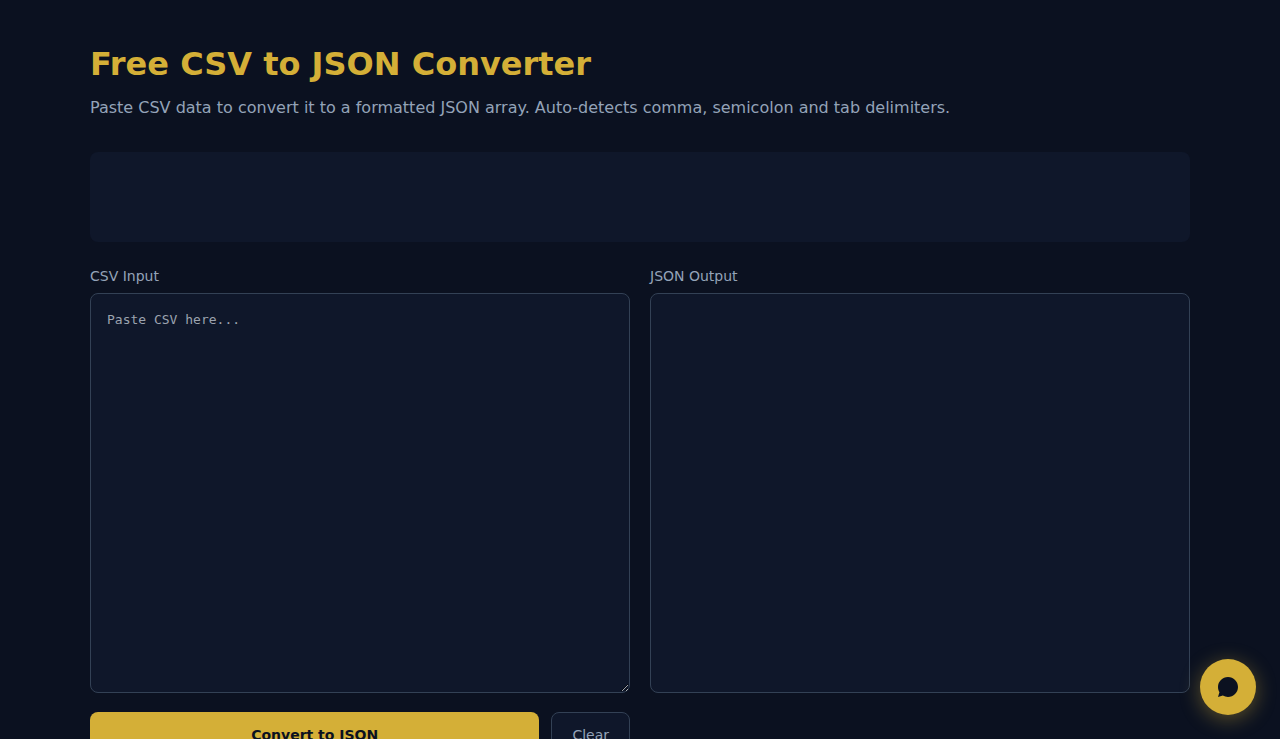
Paste CSV data to convert it to a formatted JSON array. Auto-detects comma, semicolon and tab delimiters.
How It Works
Converts CSV data to formatted JSON arrays by pasting your spreadsheet export directly. Auto-detects comma, semicolon, and tab delimiters so European CSVs work too. Shows detected delimiter and row count. All processing happens in your browser — your data stays private.
When to Use It
- Converting spreadsheet exports to JSON for web applications or database imports.
- Transforming data between systems — many tools export CSV while APIs expect JSON.
- Quick data inspection — converting messy CSV to clean indented JSON for debugging.
Frequently Asked Questions
How does delimiter detection work?
The tool counts commas, semicolons, and tabs in the first line. The most frequent character is selected. This handles European CSVs (semicolons) and tab-delimited files automatically.
Does it handle quoted fields?
Yes. Fields in double quotes containing commas or newlines are treated as single values. "New York, NY" stays as one field rather than being split.
How large a file can I convert?
Since processing is browser-based, ~50,000 rows or 10MB works well. For larger datasets, use command-line tools like jq or Python. Browser processing ensures your data never leaves your device.
Automate your data workflows with SARA AI Agent
Try SOLO SARA — 9.90/moNo data is sent to any server. All processing happens in your browser.
These tools are free forever. SARA takes it further.
SARA is your AI agent on WhatsApp: answers customers, takes bookings, follows up — 24/7, automatically. Try it free for 14 days.
Start your free 14-day trial →