Free Chmod Calculator
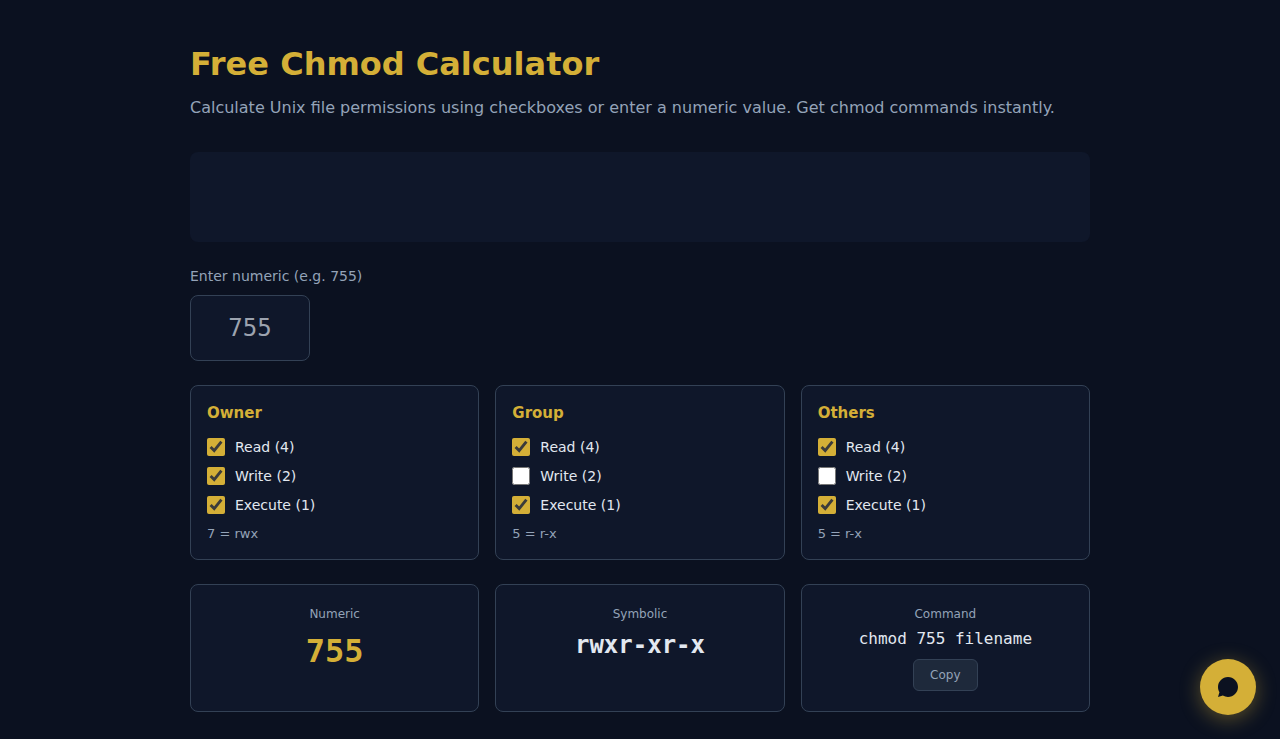
Calculate Unix file permissions using checkboxes or enter a numeric value. Get chmod commands instantly.
Owner
7 = rwx
Group
5 = r-x
Others
5 = r-x
Numeric
755
Symbolic
rwxr-xr-x
Command
chmod 755 filename
Common Permissions
How It Works
Calculates Unix file permissions using interactive checkboxes for read, write, and execute per owner, group, and others. Enter a numeric value like 755 or use checkboxes to build permissions visually. See the command, symbolic notation, and common permission presets instantly.
When to Use It
- Setting web server file permissions — typically 644 for files and 755 for directories.
- Troubleshooting permission denied errors on Linux servers.
- Learning Unix permissions through the interactive checkbox interface.
Frequently Asked Questions
What does 755 mean?
Owner can read, write, execute (7). Group and others can read and execute (5). Standard for scripts and directories. Calculated as read(4)+write(2)+execute(1) per class.
Most secure permission?
600 (owner read/write only) for sensitive files like SSH keys. 644 for web files. Never use 777 in production — it gives full access to everyone.
Numeric vs symbolic mode?
Numeric (755) sets all permissions at once. Symbolic (u+rwx,go+rx) modifies specific permissions without changing others. Use numeric for absolute, symbolic for incremental changes.
Automate your business with SARA AI Agent
Try SOLO SARA — AI agent for freelancers at just 9.90/monthAll calculations happen in your browser. No data leaves your device.
These tools are free forever. SARA takes it further.
SARA is your AI agent on WhatsApp: answers customers, takes bookings, follows up — 24/7, automatically. Try it free for 14 days.
Start your free 14-day trial →