Free Base64 Encoder & Decoder
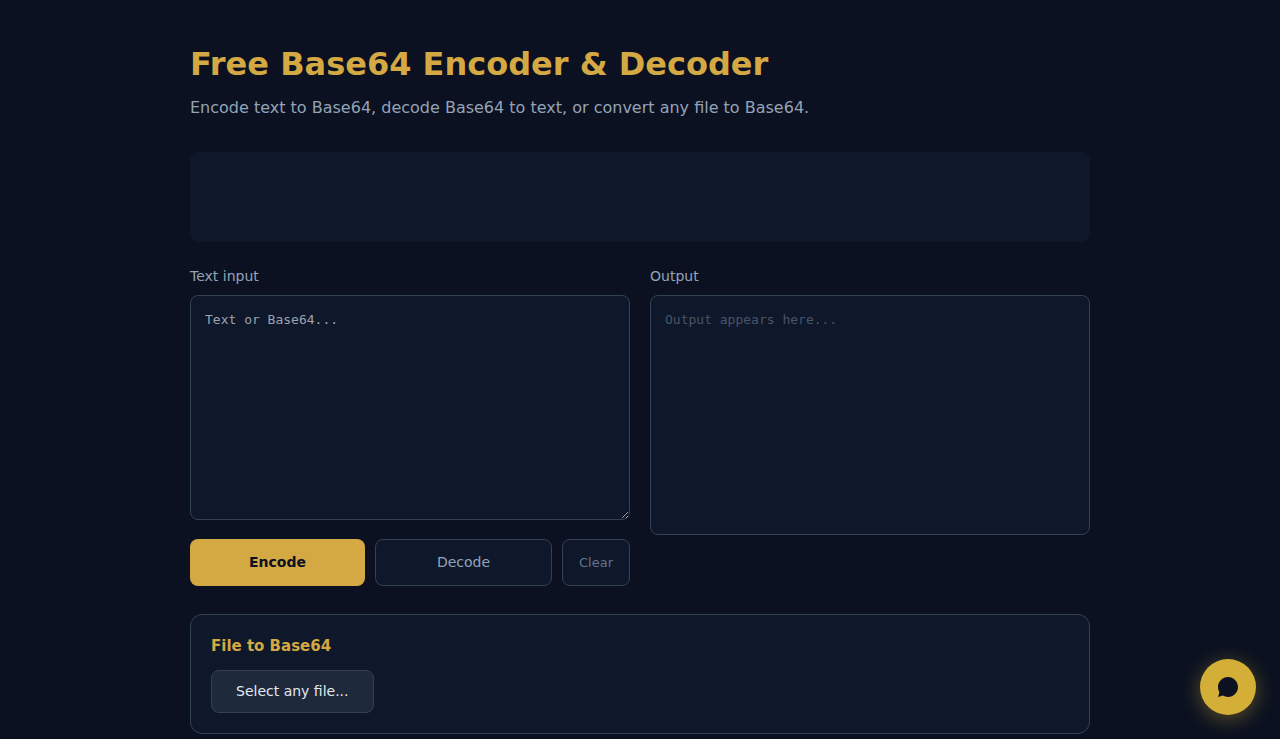
Encode text to Base64, decode Base64 to text, or convert any file to Base64.
File to Base64
All encoding/decoding happens in your browser. No data leaves your device.
How It Works
Encodes text to Base64, decodes Base64 back to text, and converts files to Base64 data URIs. Essential for web developers working with APIs, email encoding, and embedded assets. All processing happens locally in your browser — your data never leaves your device.
When to Use It
- Encoding API tokens for HTTP Basic Auth headers in web applications.
- Converting small images to data URIs to embed directly in HTML or CSS.
- Debugging encoded data in API responses by decoding Base64 to readable text.
Frequently Asked Questions
What is Base64 used for?
Base64 converts binary data into ASCII text for safe transfer through text-based protocols like email, JSON APIs, and HTML. It increases size by ~33% but prevents parsing issues.
Is there a file size limit?
The limit depends on browser memory. Files under 10MB convert smoothly. For larger files, use command-line tools. Browser processing ensures complete privacy.
Why does decoded text look garbled?
The original data was likely binary (image, PDF, ZIP). The tool decodes correctly but browsers show raw bytes as text. Use the file converter tab for binary data.
These tools are free forever. SARA takes it further.
SARA is your AI agent on WhatsApp: answers customers, takes bookings, follows up — 24/7, automatically. Try it free for 14 days.
Start your free 14-day trial →